
Best IPTV app for Apple Tv / Ipad / IOS iphone
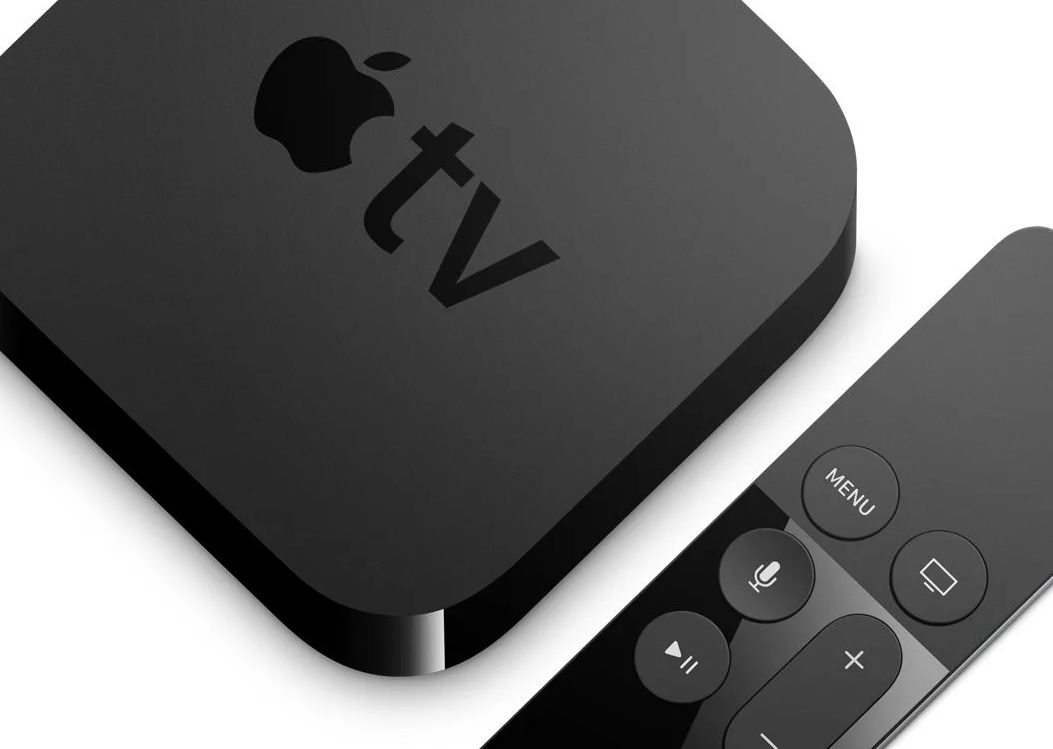
Watching IPTV on Apple devices has become increasingly popular thanks to the performance and simplicity of the Apple ecosystem. Whether you use an Apple TV in your living room or an iPhone or iPad on the go, the right IPTV application can make streaming smooth, fast, and reliable.
In this guide, we’ll look at some of the most reliable IPTV apps for Apple TV, iPad, and iPhone, along with what features matter when choosing the best player.
What Makes a Good IPTV App for Apple Devices?
Not every IPTV player works well on iOS or tvOS. A good IPTV app should include:
-
Support for URL playlists or account credentials(username,password,portal url)
-
A stable and smooth interface
-
Fast channel switching
-
Support for EPG (Electronic Program Guide)
-
Compatibility with Apple TV remote and touch controls
-
Reliable streaming with minimal buffering
Because Apple devices are powerful, most modern IPTV apps run very smoothly when configured properly.
Using HOTPLAYER (best app)
Step 1 Download HOTPLAYER from Applestore
Step 2 Open it and send us mac address, that’s it !
Using Smarters Player Lite
Step 1 Download Smarters Players Lite from AppStore
Step 2 Enter your account credentials
Step 2 Wait for the loading of the content and Enjoy !
Using iPlay TV
Step 1 Download iPlayTV from AppStore
Step 2 Upload our Url to iPlay TV
Now you can enjoy our IPTV playlist !
Using GSE SMART IPTV PRO
1- Download GSE SMART IPTV PRO
2- Go to the app and Click ‘Accept’ EULA rule
3- Click on “Setting” on left corner
4- Find and click on “Xcodes”
5- Enter the credentials we will send you After Payment.
Done ! Enjoy ! 😊